
Key takeaways
Most contact centers switching away from Observe AI cite limited scorecard customization and rigid reporting as their top frustrations.
The best alternatives combine automated quality assurance, real-time agent guidance, and voice of the customer insights in a single platform rather than forcing teams to juggle separate tools.
Level AI, CallMiner, and Verint are the strongest all-around options for mid-market and enterprise contact centers that need deep conversation analytics
If your team is focused on real-time coaching during live calls, Balto and Cresta are purpose-built for that use case, though they lack the broader QA depth of full-stack platforms.
What is Observe AI?
Observe AI is a conversation intelligence platform built for contact centers. It records and transcribes voice calls, scores agent interactions against customizable rubrics, and surfaces coaching recommendations based on those scores. The platform also offers real-time guidance that prompts agents during live calls and a reporting layer that managers use to track team performance over time.
Observe AI positions itself as a quality management and coaching tool. It works across inbound and outbound voice, and in recent years has added support for digital channels, including chat and email. The platform integrates with several major CCaaS and CRM providers, making it a reasonable choice for teams already using Salesforce, Genesys, or similar systems.
Where Observe AI fits best is in mid-sized contact centers that want to move beyond manual call auditing and need a structured way to coach agents at scale. To understand what fully automated scoring looks like in practice, read our guide to automated quality management.
Why Buyers Evaluate Observe AI Alternatives?
Teams start looking for Observe AI alternatives for several consistent reasons.
Scorecard flexibility is limited. Many QA teams find that Observe AI’s scoring templates are difficult to customize for complex or industry-specific rubrics. When your evaluation criteria do not map cleanly to the available fields, you end up with workarounds that slow down your QA process rather than simplifying it.
Reporting depth can feel shallow. Users on G2 and Gartner Peer Insights frequently mention that while the dashboards look clean, drilling into root causes requires a lot of manual exporting. Teams with a dedicated analytics function often hit this ceiling quickly.
Real-time features need improvement. The real-time agent assist functionality, while present, lags behind dedicated tools in responsiveness and contextual accuracy. For contact centers where live guidance during calls is a top priority, this matters.
Pricing scales steeply. As teams grow or add channels, the cost per seat can become difficult to justify, especially when competitors offer broader feature sets at comparable price points.
Customer support response times are another recurring frustration, with slow ticket resolution during implementation cited frequently in user reviews.
For a side-by-side breakdown of how Observe AI stacks up, see our Observe AI vs Level AI comparison.
How did we compare these tools?
We evaluated each platform across six criteria that matter most to contact center QA and operations leaders.
Conversation analytics depth -- how well the platform understands what was said, the context behind it, and why it matters for quality and performance.
Automated QA coverage -- whether the tool can score 100% of interactions automatically, or still depends heavily on manual sampling.
Real-time agent support -- the quality and accuracy of live prompts or guidance delivered to agents during active calls.
Coaching and performance management -- how coaching workflows are built, tracked, and tied back to measurable outcomes.
Integrations and deployment -- compatibility with leading CCaaS, CRM, and workforce management platforms, and the typical time to go live.
Pricing transparency and scalability -- whether the pricing model works for both smaller teams and large enterprises without punishing growth.
We pulled information from product documentation, verified user reviews on G2 and Capterra, analyst reports, and direct comparisons published by the vendors themselves.
For a deeper look at what good QA looks like, read our call center quality assurance best practices guide.
Top Observe AI Alternatives: Comparison Table
Platform | Best For | Auto QA | Real-Time | Key Strength |
Level AI | Full-stack QA + coaching + VoC | Yes, 100% | Yes | AI accuracy + unified platform |
CallMiner | Deep speech analytics | Yes | Limited | Analytics breadth |
Verint | Large enterprise WFO | Yes | Yes | Enterprise feature depth |
Cresta | Real-time coaching | Partial | Yes | Live guidance quality |
Uniphore | Multimodal AI | Partial | Yes | Emotion and video AI |
Balto | Live call guidance | No | Yes | Real-time prompting |
Playvox | QA + WFM mid-market | Yes | No | QA workflow management |
MaestroQA | QA customization | Yes | No | Scorecard flexibility |
Qualtrics | Voice of the customer | Partial | No | Survey + conversation integration |
EvaluAgent | QA + agent engagement | Yes | No | Engagement-focused QA |
1. Level AI
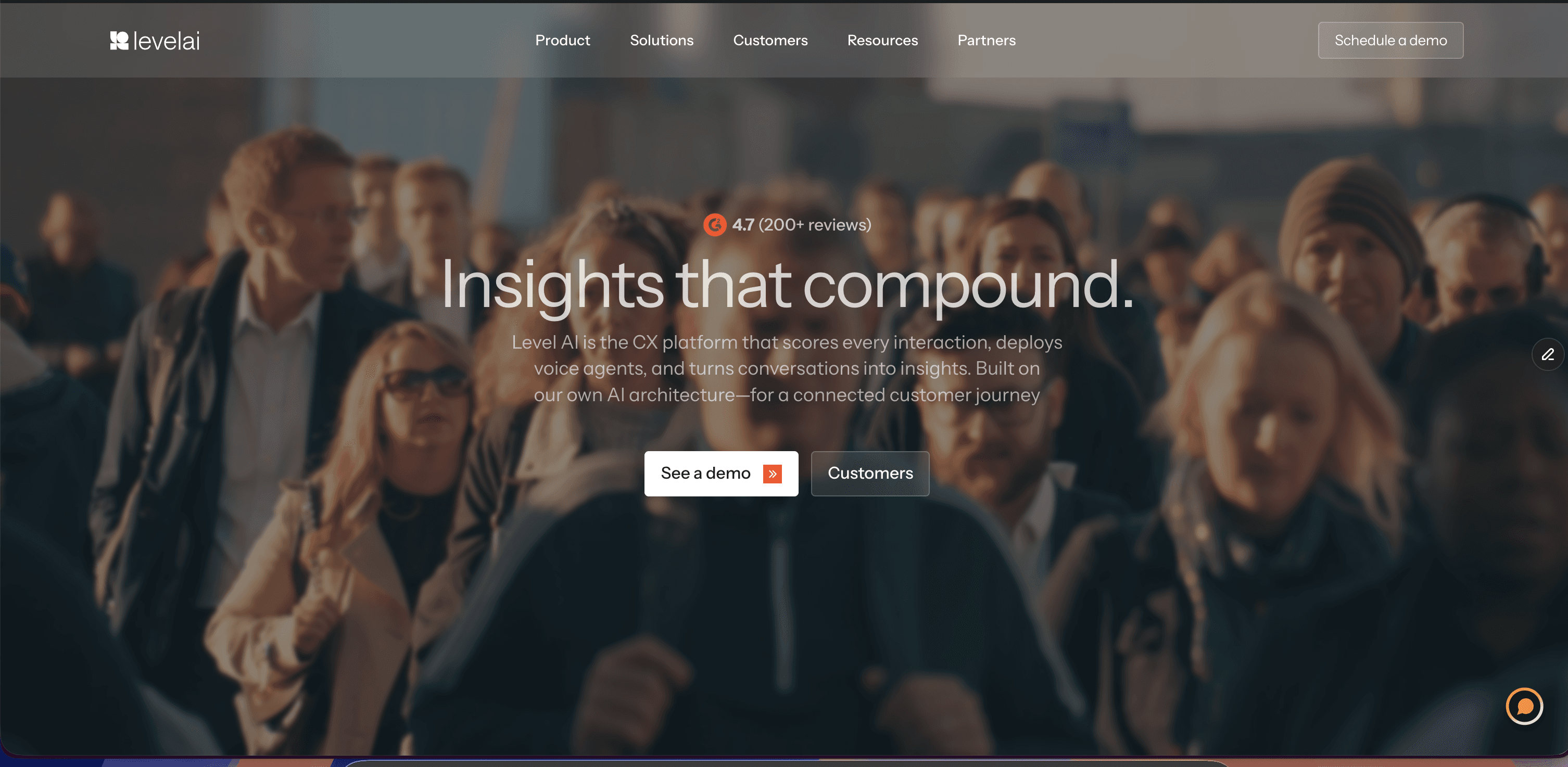
Level AI is an AI-native contact center intelligence platform that combines automated quality assurance, real-time agent assist, voice of the customer analysis, and performance coaching in a single connected system. Unlike tools that were built as point solutions and later stitched together, Level AI was designed from the ground up to make these capabilities work together. That means a QA score can trigger a coaching action, a coaching outcome can feed back into quality trends, and customer sentiment data informs both in a single workflow.
The platform handles 100% automated scoring of voice and digital interactions, so QA teams stop sampling and start working with complete data. The AI models are trained to understand the meaning behind what was said, not just keywords, which reduces false positives and gives managers confidence in the scores. You can explore the full quality assurance platform here.
Level AI also surfaces emerging customer themes that are not tied to a predefined category, which helps teams catch issues before they become patterns. Vistaprint, Smartsheet, Via Transportation, and Extra Space Storage are among the brands that use Level AI to run their contact center quality and coaching programs.
“What would have taken over an hour is now done in less than a minute.” -- Paul Harraphy, Vistaprint -- 80% reduction in QA and coaching effort
Key Features
100% automated interaction scoring across voice, chat, and email
Real-time agent assist that surfaces relevant information and prompts during live calls
Inferred CSAT (iCSAT) that predicts customer satisfaction without requiring a post-call survey
Voice of the customer insights that surface emerging trends from unstructured conversation data
Customizable scorecards that reflect your actual QA criteria, not a generic template
Agent coaching workflows with targeted feedback tied directly to QA scores
Pre-built and custom reporting dashboards for QA leads, managers, and executives
Native integrations with major CCaaS and CRM platforms
Strengths
The AI understands context and meaning, not just keywords, which makes automated scores far more accurate than rule-based systems
A unified platform means QA, coaching, and customer insights share the same data, removing the friction of switching between tools
100% call coverage gives teams a complete picture of performance instead of a sampled view
iCSAT removes the dependency on low-response-rate post-call surveys while still giving leaders a customer satisfaction signal
Fast time to value -- most customers see meaningful results within weeks of going live, not months
Strong customer success support that stays involved after the initial launch
Best For
Level AI is the right fit for mid-market and enterprise contact centers that want to consolidate QA, coaching, and customer insights on one platform. It is especially well-suited for teams that have outgrown manual sampling and need AI-driven scoring they can trust at scale.
" transform="translate(85.643 10.143)" width="23.725855670103115px"/><path d="M 71.828 0 L 0 50.702" fill="transparent" height="50.70235051546392px" id="TnJFUMH9b" stroke-dasharray="" stroke-linecap="butt" stroke-linejoin="miter" stroke-miterlimit="10" stroke-width="0.68" stroke="rgb(254, 250, 241)" transform="translate(85.508 75.029)" width="71.82828865979384px"/><path d="M 81.579 0 L 0 52.003" fill="transparent" height="52.00280412371134px" id="ccJzhVTGI" stroke-dasharray="" stroke-linecap="butt" stroke-linejoin="miter" stroke-miterlimit="10" stroke-width="0.68" stroke="rgb(254, 250, 241)" transform="translate(85.495 73.738)" width="81.57921649484533px"/><path d="M 65.653 0 L 0 32.827" fill="transparent" height="32.826556701030924px" id="X0Vp_q8HG" stroke-dasharray="" stroke-linecap="butt" stroke-linejoin="miter" stroke-miterlimit="10" stroke-width="0.68" stroke="rgb(254, 250, 241)" transform="translate(85.462 92.931)" width="65.65311340206183px"/><path d="M 88.08 14.951 L 0 0" fill="transparent" height="14.950762886597914px" id="JM_UgSiJ_" stroke-dasharray="" stroke-linecap="butt" stroke-linejoin="miter" stroke-miterlimit="10" stroke-width="0.68" stroke="rgb(254, 250, 241)" transform="translate(86.233 125.789)" width="88.07950515463914px"/><path d="M 83.204 72.803 L 0 0" fill="transparent" height="72.80313402061856px" id="KlyUUjlMK" stroke-dasharray="" stroke-linecap="butt" stroke-linejoin="miter" stroke-miterlimit="10" stroke-width="0.68" stroke="rgb(254, 250, 241)" transform="translate(85.089 125.71)" width="83.20379381443304px"/><path d="M 7.8 114.081 L 0 0" fill="transparent" height="114.08065979381445px" id="kAiUvduBR" stroke-dasharray="" stroke-linecap="butt" stroke-linejoin="miter" stroke-miterlimit="10" stroke-width="0.68" stroke="rgb(254, 250, 241)" transform="translate(85.95 125.478)" width="7.800247422680428px"/><path d="M 0 93.604 L 9.75 0" fill="transparent" height="93.60445360824741px" id="FsgTAQB0n" stroke-dasharray="" stroke-linecap="butt" stroke-linejoin="miter" stroke-miterlimit="10" stroke-width="0.68" stroke="rgb(254, 250, 241)" transform="translate(76.2 125.421)" width="9.750432989690694px"/><path d="M 0 76.379 L 76.703 0" fill="transparent" height="76.37888659793816px" id="NxOhHvPJ5" stroke-dasharray="" stroke-linecap="butt" stroke-linejoin="miter" stroke-miterlimit="10" stroke-width="0.68" stroke="rgb(254, 250, 241)" transform="translate(9.343 125.217)" width="76.7034556701031px"/><path d="M 0 26.651 L 39.002 0" fill="transparent" height="26.651381443298988px" id="QETNKJ3L6" stroke-dasharray="" stroke-linecap="butt" stroke-linejoin="miter" stroke-miterlimit="10" stroke-width="0.68" stroke="rgb(254, 250, 241)" transform="translate(47.096 125.177)" width="39.0017319587629px"/><path d="M 0 16.901 L 85.154 0" fill="transparent" height="16.900948453608265px" id="BL63wDICD" stroke-dasharray="" stroke-linecap="butt" stroke-linejoin="miter" stroke-miterlimit="10" stroke-width="0.68" stroke="rgb(254, 250, 241)" transform="translate(0.094 125.125)" width="85.15396503092786px"/><path d="M 0 0 L 78.004 17.876" fill="transparent" height="17.875793814432996px" id="PIX70Vlqf" stroke-dasharray="" stroke-linecap="butt" stroke-linejoin="miter" stroke-miterlimit="10" stroke-width="0.68" stroke="rgb(254, 250, 241)" transform="translate(8.362 107.251)" width="78.00376082474227px"/><path d="M 0 0 L 67.928 52.327" fill="transparent" height="52.32742268041238px" id="u_syqWqWD" stroke-dasharray="" stroke-linecap="butt" stroke-linejoin="miter" stroke-miterlimit="10" stroke-width="0.68" stroke="rgb(254, 250, 241)" transform="translate(17.593 72.861)" width="67.92826391752578px"/><path d="M 0 0 L 77.029 70.528" fill="transparent" height="70.52832989690722px" id="DmW_aE2A0" stroke-dasharray="" stroke-linecap="butt" stroke-linejoin="miter" stroke-miterlimit="10" stroke-width="0.68" stroke="rgb(254, 250, 241)" transform="translate(9.489 54.678)" width="77.02866804123713px"/><path d="M 0 0 L 27.301 126.431" fill="transparent" height="126.43109443298971px" id="JrLaRUubC" stroke-dasharray="" stroke-linecap="butt" stroke-linejoin="miter" stroke-miterlimit="10" stroke-width="0.68" stroke="rgb(254, 250, 241)" transform="translate(58.341 -0.071)" width="27.30111340206188px"/><path d="M 0 4.012 C 0 1.796 1.796 0 4.012 0 C 6.228 0 8.025 1.796 8.025 4.012 C 8.025 6.228 6.228 8.025 4.012 8.025 C 1.796 8.025 0 6.228 0 4.012 Z" fill="rgb(254, 80, 0)" height="8.024669690721652px" id="Nh5qrPJs_" transform="translate(81.396 121.369)" width="8.024669690721623px"/></svg>)
2. CallMiner
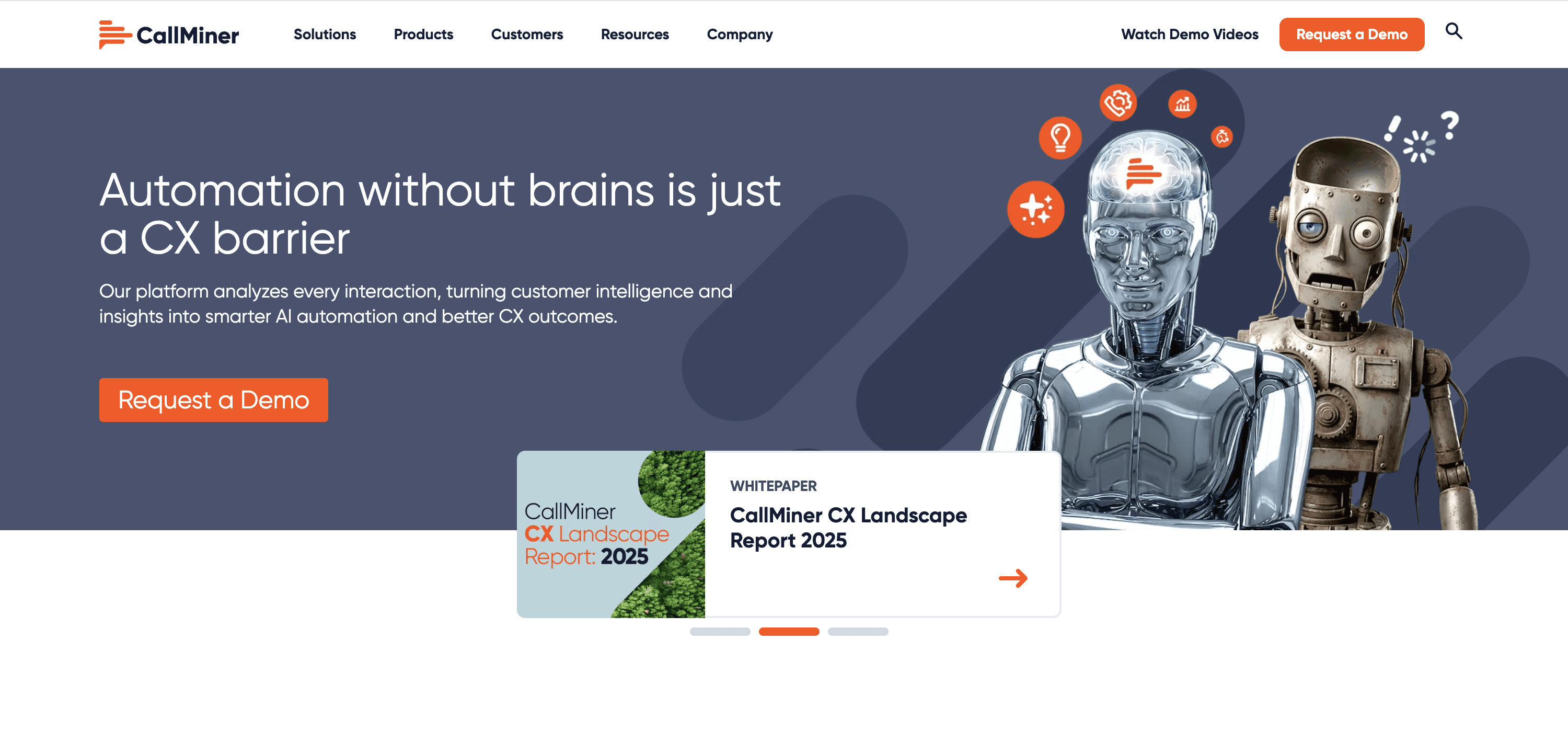
CallMiner is one of the most established names in conversation intelligence and speech analytics. The platform has been in the market for over two decades and has a deep feature set built around analyzing large volumes of call recordings to surface quality, compliance, and performance insights. It is widely used in financial services, healthcare, and insurance sectors where regulatory compliance monitoring is a high priority alongside standard quality management.
CallMiner’s core strength is the breadth and depth of its analytics engine. It can process millions of interactions and produce reporting that goes well beyond what most QA tools offer. For teams that need a broader understanding of what good conversational intelligence looks like, our conversational intelligence software guide is a helpful starting point.
The platform has added coaching and real-time features in recent years but these are not considered its primary differentiators. Getting full value out of CallMiner requires either a dedicated analyst or a professional services engagement.
Key Features
Deep speech analytics with a highly customizable category and scoring engine
Compliance monitoring with automated flagging of regulatory risk
Trend analysis across large interaction datasets over time
Agent performance dashboards and coaching integration
Real-time alert capabilities for live calls (available as an add-on)
Multi-channel support covering voice, email, and chat
API access for integration with BI and reporting tools
Industry-specific compliance frameworks for finance and healthcare
Strengths
Extremely powerful analytics engine for teams that need to go deep on conversation data
Long track record and proven deployments in regulated industries
Flexible enough to support complex, custom scoring frameworks with the right configuration
Strong compliance use cases that few competitors can match at the same depth
Integrates with a wide range of enterprise telephony and CRM systems
Weaknesses
High configuration complexity makes onboarding slow and often requires professional services
The user interface is dated compared to newer AI-native platforms
Real-time agent assist capabilities are not as mature or accurate as dedicated tools
Cost can be prohibitive for smaller teams, and the pricing model rewards high commitment
Best For
CallMiner is best for large enterprise contact centers in regulated industries where compliance monitoring and deep analytics are the primary use cases. Teams that have an in-house analytics function and can invest the time to configure the platform properly will get the most from it.
3. Verint
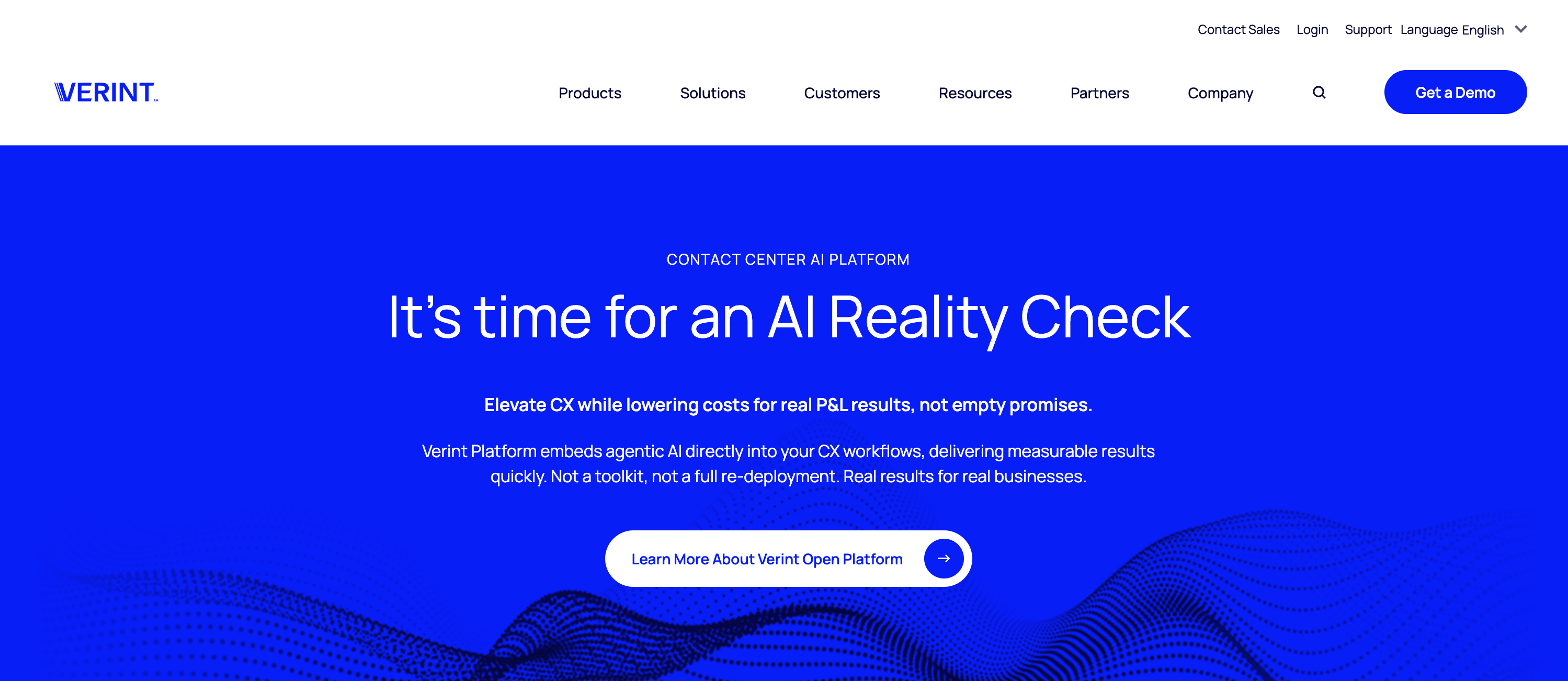
Verint is a broad workforce optimization suite that includes quality management, recording, analytics, workforce management, and employee engagement tools. It is one of the most comprehensive platforms in the market, which makes it a common choice for large enterprises that want to consolidate multiple operational tools under one vendor.
Verint has invested significantly in AI in recent years, adding automated scoring, predictive analytics, and intelligent virtual assistants to its portfolio. For organizations evaluating how AI is changing quality management more broadly, our overview of contact center AI solutions covers the landscape well.
Deployments are typically long and complex, and the pricing reflects the enterprise scope of the product. That said, for organizations already running Verint for recording and workforce management, adding the quality and analytics modules is a natural extension rather than a separate procurement.
Key Features
Automated quality scoring across voice and digital channels
Workforce management including scheduling, forecasting, and adherence tracking
Real-time agent guidance through the Verint Intelligent Virtual Assistant
Speech and text analytics with topic and sentiment detection
Employee engagement tools including gamification and performance dashboards
Compliance recording with long-term storage and retrieval
Open platform with pre-built integrations across CCaaS and CRM vendors
Extensive reporting and custom dashboard capabilities
Strengths
The most comprehensive feature set of any vendor in this list, covering QA, WFM, analytics, and engagement in one suite
Deep enterprise credibility with global deployments across multiple industries
Strong compliance recording and archiving capabilities
Significant investment in AI features that are gradually becoming a differentiator
Broad partner and integration ecosystem
Weaknesses
Implementation timelines can stretch to six months or more for large deployments
The platform is expensive and often overkill for mid-sized contact centers
Some modules feel less integrated than others, which can create a fragmented user experience
Customer support quality is mixed, with some users reporting slow resolution times
Best For
Verint is the right choice for large enterprises that need workforce optimization, compliance recording, and quality management under one vendor and have the budget and internal resources to manage a complex deployment.
4. Cresta
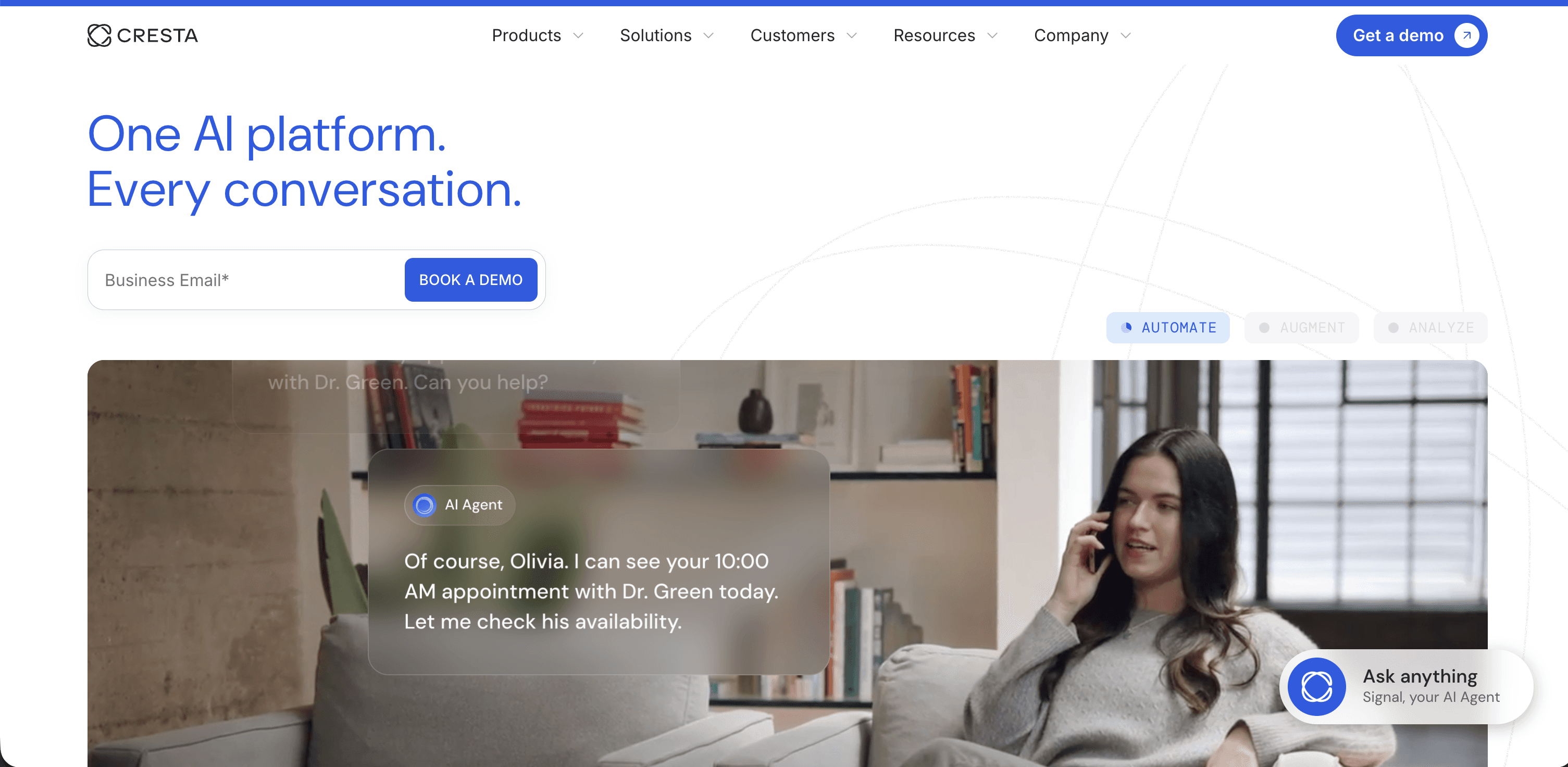
Cresta is an AI platform focused on real-time coaching and guidance for contact center agents. Where most QA tools analyze calls after they are completed, Cresta works during the live conversation, surfacing relevant suggestions, talk tracks, and knowledge base content to agents as the call unfolds. The platform uses large language models to understand what the customer is asking and recommend actions in real time.
Cresta’s real-time capabilities are among the best in the market for pure in-call guidance, and it is particularly well-suited for sales-focused contact centers. Cresta is not a comprehensive QA platform. Post-call scoring and quality management are secondary capabilities, not the core focus, which means teams that need full QA coverage alongside real-time assist will likely need a separate solution or must accept limitations.
Key Features
Real-time agent guidance with in-call suggestions and talk tracks
AI-powered conversation coaching based on live call analysis
Post-call summaries and performance insights
Agent performance tracking and leaderboards
Automated note-taking and call disposition
Integration with major CCaaS platforms including Salesforce, Five9, and Genesys
Customizable playbooks tied to specific call types or customer segments
Manager dashboards for tracking coaching adoption and outcomes
Strengths
Best-in-class real-time agent guidance that surfaces the right information at the right moment
Strong performance in sales and outbound contact center environments
LLM-based understanding that goes beyond keyword matching
Clean, modern interface that agents adopt quickly
Measurable impact on first call resolution and conversion rates
Weaknesses
Post-call QA and automated scoring are not as mature as dedicated quality management platforms
Less suited for compliance-heavy environments that need deep audit trails
Pricing is on the higher end for what is primarily a real-time assist tool
Does not offer voice of the customer or customer sentiment trending at the depth that full platforms provide
Best For
Cresta is the best fit for sales-focused contact centers or customer service teams where improving what agents say during the call is the primary goal. Teams that prioritize post-call QA analysis or compliance monitoring should look elsewhere.
5. Uniphore
Uniphore is an AI company that covers conversation intelligence, agent assist, and automation with a distinct focus on multimodal AI. Beyond voice and text, Uniphore has invested in analyzing video interactions and emotion detection, which positions it differently from the other platforms on this list.
Its U-Analyze product covers conversation analytics, U-Assist handles real-time agent guidance, and U-Automate powers conversational self-service. For context on how speech and conversation analytics more broadly work, see our guide to speech analytics for contact centers.
For teams looking for straightforward automated QA or quality management workflows, the platform can feel overcomplicated. The multimodal vision is compelling but the practical value for most contact centers is still in voice and text analytics where Uniphore competes against more established players.
Key Features
Multimodal AI covering voice, text, and video analysis
Emotion detection and sentiment analysis during and after calls
Real-time agent assist with in-call guidance
Automated conversation summarization and note-taking
Knowledge management integration for faster agent resolution
Conversational AI for self-service automation
Post-call analytics and quality scoring
CRM and CCaaS integrations across major platforms
Strengths
Unique multimodal capabilities that no other vendor on this list matches
Emotion AI adds a layer of customer understanding beyond sentiment scores
Broad platform covering both agent-facing and customer-facing use cases
Global presence with deployment experience across multiple industries
Strong acquisition strategy that has added capabilities across the platform
Weaknesses
The platform can feel complex and unfocused for teams with simple QA requirements
Real-world emotion detection accuracy is still debated among practitioners
Implementation complexity is higher than most alternatives
Customer support and post-launch success resources are less consistent than top-tier vendors
Best For
Uniphore is best suited for forward-looking enterprise contact centers that want to experiment with multimodal and emotion AI as part of a broader innovation agenda. Teams with straightforward voice QA needs will likely find the platform overbuilt for their requirements.
6. Balto
Balto is a real-time guidance platform built specifically to help agents say the right thing during live calls. The platform listens to conversations as they happen and provides prompts, checklists, and coaching suggestions to agents in their browser or softphone interface. Balto also includes a real-time coaching feature that lets managers send messages to agents mid-call without the customer hearing.
Balto’s focus is entirely on the live call experience -- it does not offer post-call QA scoring, conversation analytics, or voice of the customer capabilities. Teams that already have a QA tool and want to add real-time guidance as a separate layer will find Balto easy to deploy. If you are considering broader alternatives, our top Balto alternatives guide covers the options well.
Teams looking for an all-in-one solution should look at platforms with broader capability, as Balto is best positioned as a complement rather than a replacement for a full QA platform.
Key Features
Real-time checklists and prompts delivered during live calls
Manager-to-agent live coaching without customer interruption
Automated notetaker that captures call details post-conversation
Compliance checklists for regulated call types
Call disposition recommendations based on conversation content
Integration with major softphones and CCaaS platforms
Performance dashboards tracking checklist completion and agent adherence
Customizable playbooks tied to call type, customer segment, or campaign
Strengths
Extremely easy to deploy and fast time to value compared to full-platform alternatives
The manager live-coaching capability is unique and practically useful on the contact center floor
Strong adoption rates because the agent experience is simple and unobtrusive
Clear compliance use case for teams in regulated industries
Competitive pricing for a focused point solution
Weaknesses
Does not offer post-call quality scoring or automated QA
No voice of the customer or customer sentiment analysis
Limited reporting depth compared to full platforms
Requires pairing with a separate QA tool to cover quality management needs
Best For
Balto is the right choice for teams that already have a QA platform and want to add a layer of real-time call guidance for compliance or sales performance. It should not be evaluated as a standalone replacement for a full conversation intelligence platform.
7. Playvox
Playvox is a quality management and workforce engagement platform designed for mid-market contact centers. It covers automated QA scoring, coaching workflows, agent performance management, and workforce management in a single interface. Playvox built its reputation on making QA workflows faster and more structured, with strong support for peer calibration, dispute resolution, and multi-reviewer scoring.
The platform has added AI features in recent years, including automated interaction scoring and sentiment analysis. However, Playvox’s AI capabilities are generally considered less mature than those of AI-native platforms. Where Playvox continues to excel is in the workflow layer: routing QA reviews, managing coaching sessions, and tracking remediation. If you are re-evaluating your QA platform, our Playvox alternatives guide covers the leading options.
Key Features
Automated quality scoring across voice and digital channels
Calibration tools for aligning scoring consistency across reviewers
Coaching workflow management with session scheduling and tracking
Workforce management including scheduling and forecasting
Agent performance dashboards and gamification
Dispute and appeal workflow for contested QA scores
Integration with major CCaaS platforms and CRMs
Customizable scorecards and evaluation forms
Strengths
Strong QA workflow tools that give structure to quality management operations
Calibration and dispute features that many AI-native platforms lack
Good fit for teams transitioning from spreadsheet-based QA to a dedicated platform
Clean interface that QA analysts adopt without extensive training
Workforce management is genuinely integrated, not just bolted on
Weaknesses
AI scoring accuracy lags behind AI-native platforms in complex or nuanced call scenarios
Voice of the customer and customer insights capabilities are limited
Real-time agent assist is not part of the platform
Less suitable for large enterprise deployments with complex data requirements
Best For
Playvox is a strong choice for mid-market contact centers that need structured QA workflows, calibration, and coaching in a single system and are not yet demanding the deepest AI scoring accuracy on the market.
8. MaestroQA
MaestroQA is a quality assurance platform built with a focus on flexibility and customization. The platform lets QA teams design highly detailed scorecards, configure multi-step review workflows, and track quality outcomes with deep reporting. It is particularly popular in e-commerce, fintech, and high-growth tech companies where customer support QA needs are specific and constantly evolving.
MaestroQA added AI-assisted scoring in recent updates, which helps reduce manual review time while preserving the scorecard detail that QA teams have built. For a broader comparison of AI-driven quality management tools, see our roundup of the best AI quality management software for contact centers.
MaestroQA does not offer real-time agent assist, and its voice of the customer capabilities are limited compared to full-stack platforms. Teams that need those capabilities alongside QA will require a second tool.
Key Features
Highly customizable scorecards with conditional logic and weighted scoring
AI-assisted interaction scoring to reduce manual review volume
Multi-step QA workflows with reviewer assignment and escalation
Calibration tools for scoring alignment across teams and locations
Coaching integration tied directly to QA scores and improvement areas
Reporting and trend analysis with drill-down capability
Omnichannel coverage including voice, chat, email, and tickets
Integration with Zendesk, Salesforce, Intercom, and other support platforms
Strengths
Best-in-class scorecard customization that can match virtually any QA methodology
Strong QA operations workflow features including calibration and dispute management
Trusted by tech-forward companies that have complex and evolving QA requirements
Easy to integrate with existing support ticketing and CRM systems
Responsive customer support and active product development roadmap
Weaknesses
Real-time agent assist is not available
Voice of the customer and customer sentiment analysis capabilities are limited
AI scoring is newer and still maturing compared to AI-native platforms
Less suited for large enterprise environments with high-volume telephony at the core
Best For
MaestroQA is the best fit for fast-growing tech, e-commerce, or fintech companies where the QA methodology is complex and customization is more important than real-time features or deep voice analytics.
9. Qualtrics
Qualtrics is best known as a survey and experience management platform, but its XM Discover product extends into contact center conversation analytics. XM Discover can analyze call recordings, chat logs, and open-text survey responses together, giving teams a unified view of customer feedback across structured and unstructured sources.
This makes Qualtrics a strong option for organizations already running it for their broader customer experience programs. To understand how voice of the customer programs work and where they fit in a contact center stack, read our overview of voice of the customer software.
Qualtrics is not a purpose-built contact center QA tool. Its automated scoring capabilities are less developed than dedicated platforms, and the real-time and coaching features that QA managers need are not the platform’s focus. It is less equipped to help QA teams score agent performance, manage coaching workflows, or drive operational improvement day to day.
Key Features
Unified analysis of call recordings, survey responses, and digital feedback
Sentiment and topic analysis across structured and unstructured data sources
Driver analysis that connects customer feedback to specific experience factors
Closed-loop action management for following up on feedback
Executive dashboards and CX trend reporting
Integration with Qualtrics XM platform for cross-channel experience analytics
Role-based reporting for frontline, manager, and leadership views
API and connector support for enterprise data environments
Strengths
Unmatched breadth for organizations that need to connect contact center data with broader CX measurement
Strong statistical modeling and driver analysis capabilities
Well-suited for research-led organizations and CX teams with analytical depth
Native integration with the Qualtrics XM suite is a major advantage for existing customers
Strong reporting and visualization layer
Weaknesses
Not a purpose-built contact center QA platform -- automated agent scoring is limited
No real-time agent assist capabilities
Coaching and performance management workflows are minimal
Expensive for organizations that only need the contact center analytics component
Best For
Qualtrics is the right choice for large enterprises that run Qualtrics for enterprise customer experience measurement and want to connect contact center conversation data into that same system. It should not be evaluated as a primary contact center QA tool.
10. EvaluAgent
EvaluAgent is a quality assurance and agent engagement platform that combines automated QA scoring with tools designed to improve agent motivation and performance. The platform covers interaction scoring, coaching workflows, and a set of engagement features including recognition, gamification, and wellbeing tracking. The philosophy behind EvaluAgent is that quality and engagement are linked, and tools that address only one side of that equation miss the full picture.
EvaluAgent now supports 100% interaction scoring across voice and digital channels. The agent engagement layer is its genuine differentiator -- recognition tools, wellbeing check-ins, and engagement dashboards are built directly into the QA workflow. For teams interested in how coaching tools drive performance outcomes, our agent coaching software guide offers a useful comparison across platforms.
For contact centers where agent retention and morale are as much of a concern as call quality scores, this integrated approach is a real advantage.
Key Features
Automated quality scoring across voice, chat, and email
Agent engagement tools including recognition, gamification, and wellbeing tracking
Coaching workflow management with scheduled sessions and outcome tracking
Calibration and dispute resolution for scoring consistency
Performance dashboards combining QA scores and engagement metrics
Real-time alerts for failed scores or compliance triggers
Integration with major CCaaS, CRM, and ticketing platforms
Reporting for QA leads, managers, and senior leadership
Strengths
The only platform on this list that natively integrates agent engagement and wellbeing into the QA workflow
Strong coaching and recognition tools that tie directly to quality outcomes
Competitive pricing for the feature set, particularly for mid-market teams
Fast onboarding with a reputation for responsive customer success support
100% automated scoring is genuinely available, not a premium add-on
Weaknesses
Voice of the customer and customer sentiment analysis capabilities are limited
Real-time agent assist is not part of the platform
Less suited for large enterprise deployments with complex integration requirements
Analytics depth is not at the level of dedicated analytics-first platforms like CallMiner
Best For
EvaluAgent is the best fit for mid-market contact centers where agent engagement, recognition, and wellbeing are strategic priorities alongside quality management. It is particularly well-suited for teams with high turnover challenges where QA data needs to be connected to a broader retention and morale strategy.
Beyond traditional AI: how LevelAI outperforms ObserveAI
Most teams that move away from Observe AI are looking for the same things: more accurate automated scoring, deeper insights into what customers are actually experiencing, and a platform that does not force them to stitch together three separate tools to manage QA, coaching, and customer trends.
Level AI addresses all three. The platform was built as a unified system from the start, which means QA scores, coaching workflows, and customer sentiment data all share the same foundation. There is no sync delay, no data mismatch between modules, and no need to export spreadsheets to get a complete picture of performance.
The AI accuracy difference is also meaningful in practice. Level AI’s models understand the context and meaning of a conversation, not just the presence or absence of keywords. That translates to automated scores that QA teams can trust, which is the prerequisite for everything else on the platform working well.
If you are evaluating Observe AI alternatives and want a platform that covers quality management, real-time agent support, and voice of the customer without requiring separate tools for each, Level AI is worth a close look.
Frequently Asked Questions
What is the best Observe AI alternative for mid-market contact centers?
Level AI is the strongest overall alternative for mid-market contact centers. It offers 100% automated interaction scoring, real-time agent assist, and voice of the customer insights in a single platform, with a faster implementation timeline than larger enterprise suites and a track record of measurable results across industries including retail, financial services, and tech.
How accurate is Observe.AI's Auto QA and conversation intelligence?
Accuracy is generally good, but it depends on call quality, accents, and custom scorecards. Most teams still review and fine-tune AI-generated evaluations.
Does Observe.AI work well for real-time agent coaching, or is it mostly post-call analytics?
Observe.AI offers real-time guidance, but many organizations primarily use it for post-call QA and conversation analysis. Requirements for live coaching vary by contact center.
What are the biggest limitations or frustrations with Observe.AI for enterprise contact centers?
Users commonly mention pricing, implementation effort, customization complexity, and the need for deeper reporting or QA workflows. Some enterprises evaluate Level AI when they need more comprehensive QA and coaching capabilities.
Frequently asked question 5
Customer intelligence (CI) refers to the process of collecting, analyzing, and interpreting data about your customers to gain insights into their needs, preferences, and behaviors. This information can be used to improve various aspects of your business, such as marketing, product development, and customer service.